Guided workflow
Three steps to a clean face swap.
Whether it’s a quick photo face swap or a full video faceswap, you’ll get a clean, predictable workflow.
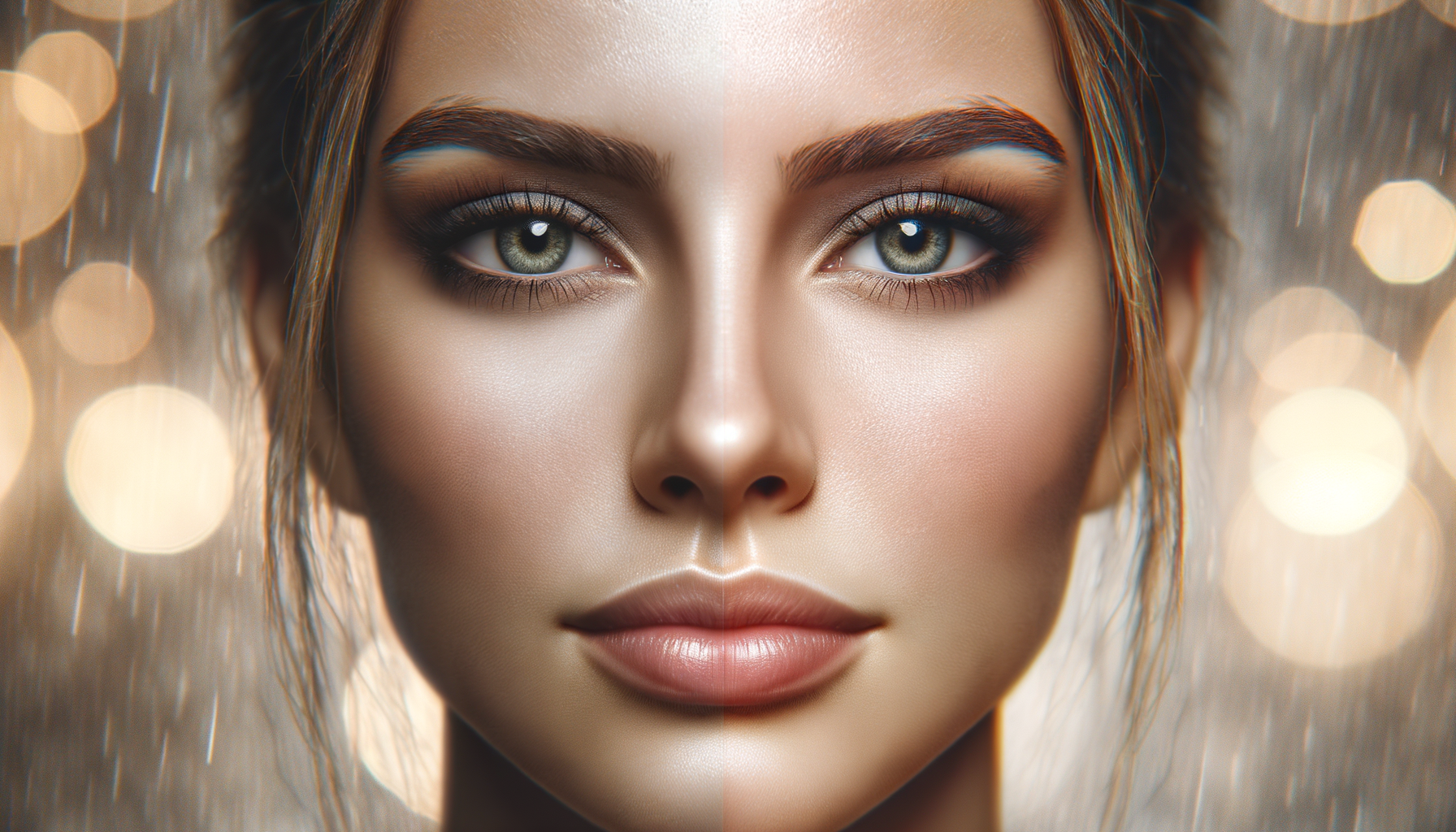
Step 1 — Upload media
Choose a video or photo, then select the face you want to swap in. High-resolution inputs are supported.
Step 2 — Align and preview
AI tracking aligns face geometry and lighting, while you preview the results in real time.
Step 3 — Export and share
Save your swap in seconds. Export for social media, presentations, or creative projects.
Try the workflow yourself.
Download AI Video Face Swap and see how quickly you can create natural face swaps.
Download on the App Store